Effortlessly Explore Tokyo with HELLO CYCLING: Easy Registration, No Japanese Required!

Contents

Whether you live in Tokyo or are visiting as a tourist, the city’s extensive train network is undoubtedly the most commonly used mode of transport. While Tokyo’s rail system is convenient, passengers seated inside often miss out on the joy of weaving through the city’s alleyways and unexpectedly discovering beautiful sights.

Exploring Tokyo’s vibrant streets and hidden alleyways can be challenging—walking is slow, motorbikes are rare, taxis are pricey, and parking a rental car can be a hassle. That’s why bicycles are the perfect solution. They offer a quick and convenient way to navigate the city, letting you stop wherever you like while also giving you a chance to get some exercise.

I want to introduce you to Japan’s popular bike-sharing service—HELLO CYCLING. It’s user-friendly for both locals and visitors. All you need is a smartphone to get started. If you’re in Tokyo, you can easily pay online with a credit card. Why not rent a bike and start exploring right away?

Explore Tokyo with Ease: 4,000+ Bike Stations and Flexible Returns

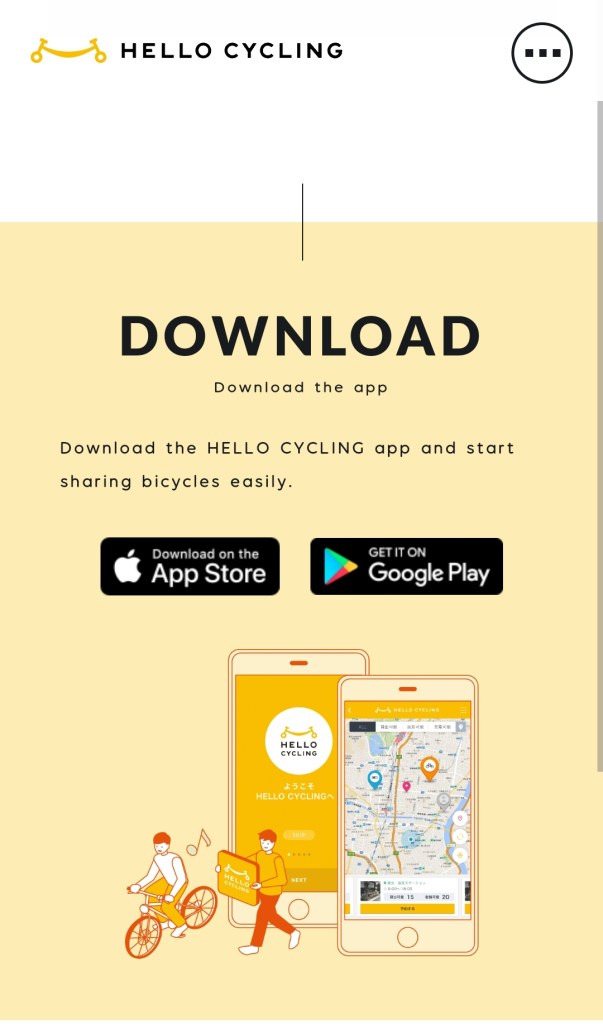
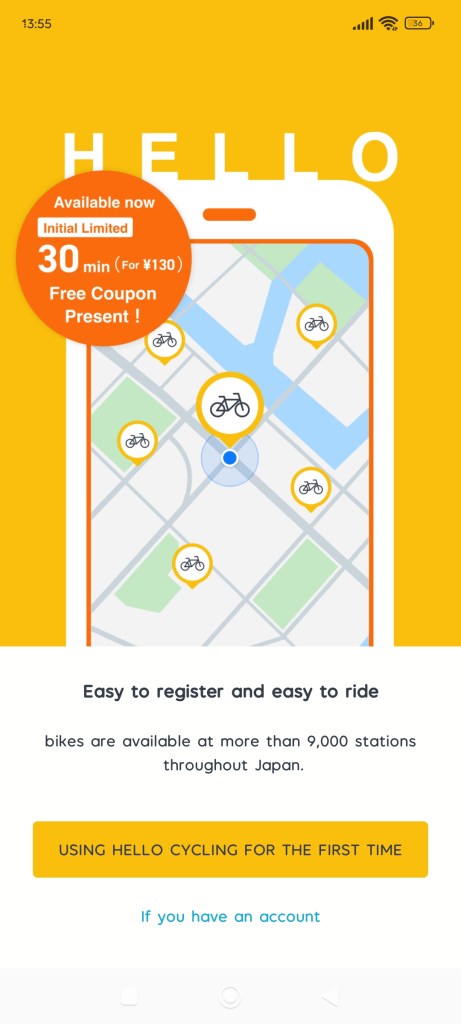
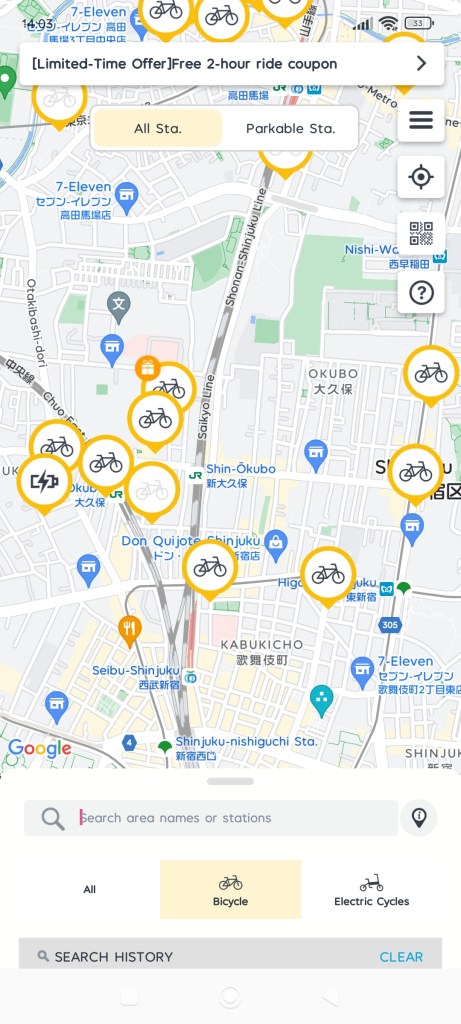
Start by searching for and downloading the HELLO CYCLING app on your phone. After installation, you’ll see a welcome screen displaying HELLO CYCLING’s 4,000 service stations across Japan. You can pick up a bike at any of these locations and return it anywhere. With this extensive network, you could practically cycle your way across Japan using their shared bikes!

English Interface Available, No Need to Worry About Navigating in Japanese

Once you reach the main screen, you’ll be pleased to know that you can select an English interface, so there’s no need to worry about not understanding Japanese!

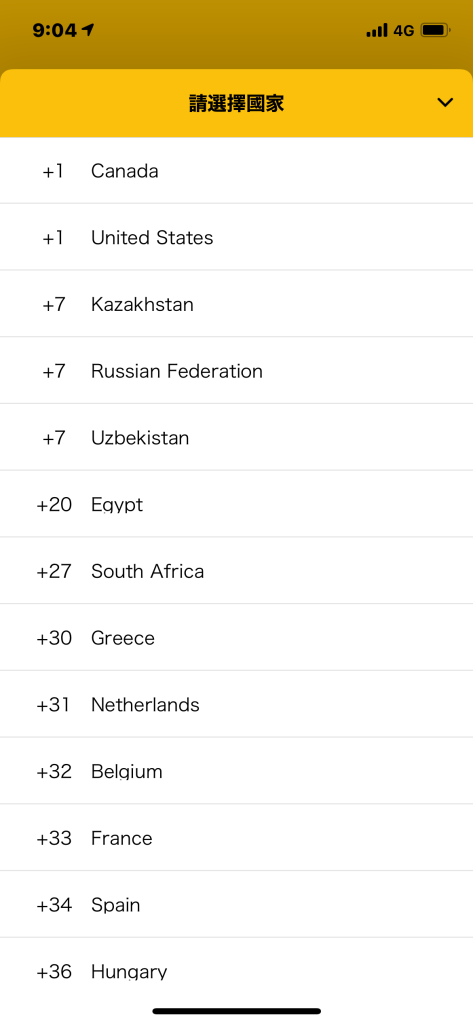
Next, enter your phone number to start the registration process. If you’re using a phone from outside Japan, be sure to select your country code from the menu!

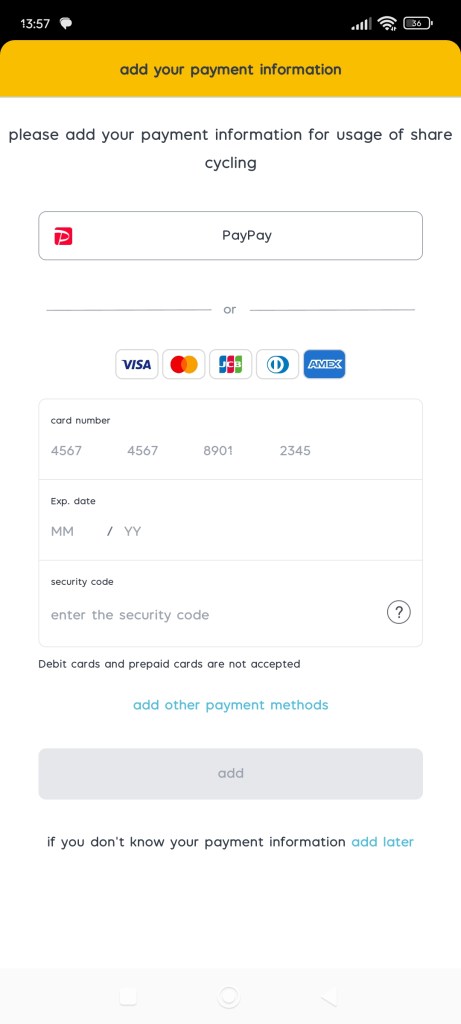
That’s it—your account is now registered! How simple was that? Now, just set up your preferred payment method and you’re all set. If you’re visiting from abroad, select ‘Credit Card Payment’ and link your credit card to easily complete the setup!

To begin, head back to the map and locate the nearest station to your current position. From there, you can easily make your reservation and get ready to ride!

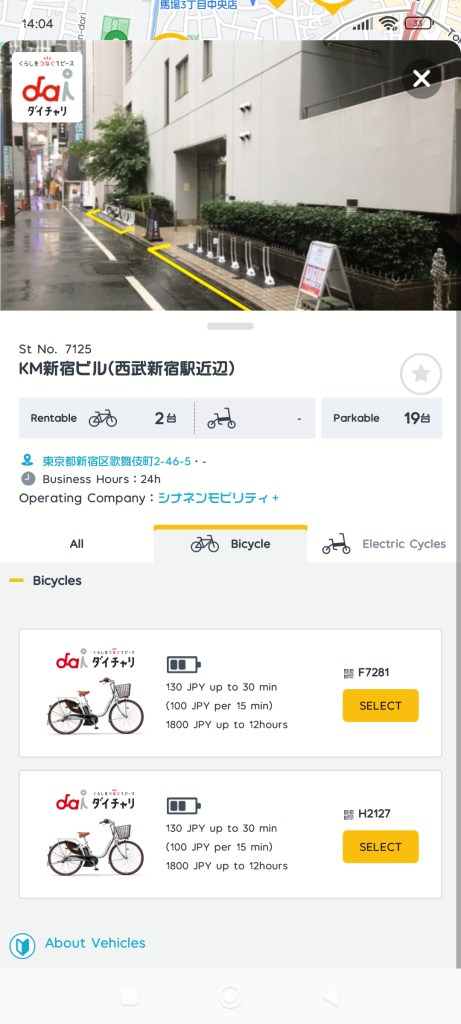
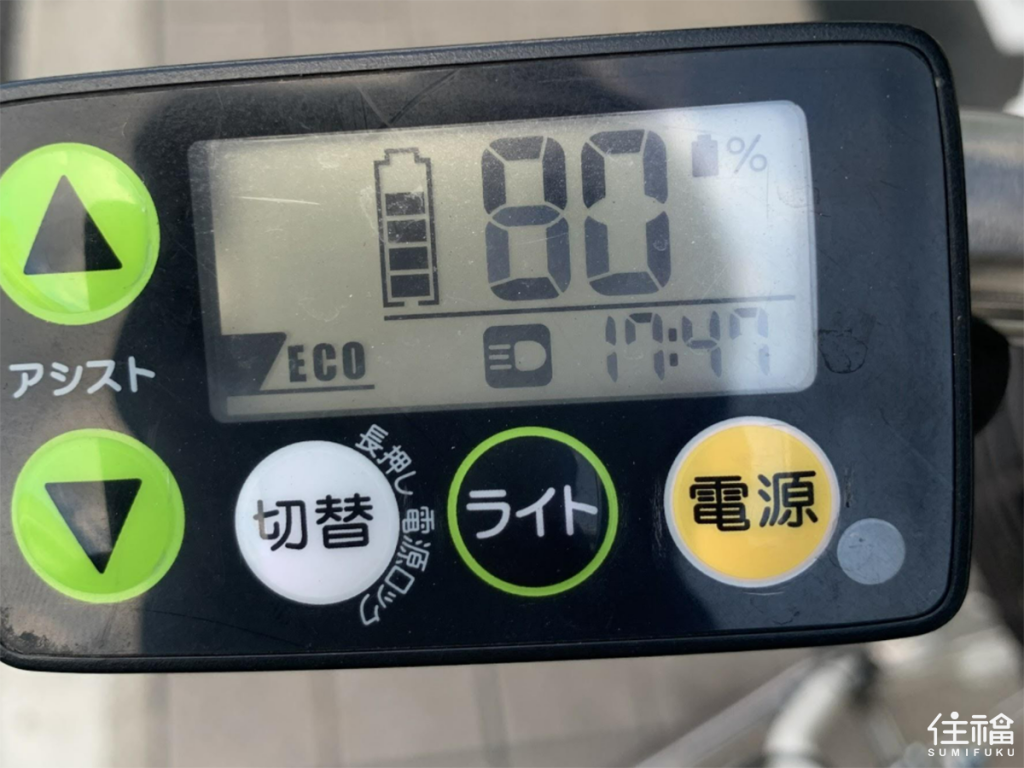
Once you’ve selected a service station, it’s time to choose a bike that suits your needs! The app will provide details like the bike’s current battery level, so be sure to check this if you plan to use the electric motor during your ride.

After selecting your bike, tap the ‘Reserve Bike’ button at the bottom of the screen. Select your pre-set payment method (e.g., credit card) to finalize the reservation. The app will then provide a four-digit code to unlock your bike. Keep in mind that you won’t incur any charges until you unlock the bike; the reservation itself is free.

Now your reservation is complete, head to the service station using the map on the app, and get ready to pick up your bike for the day!

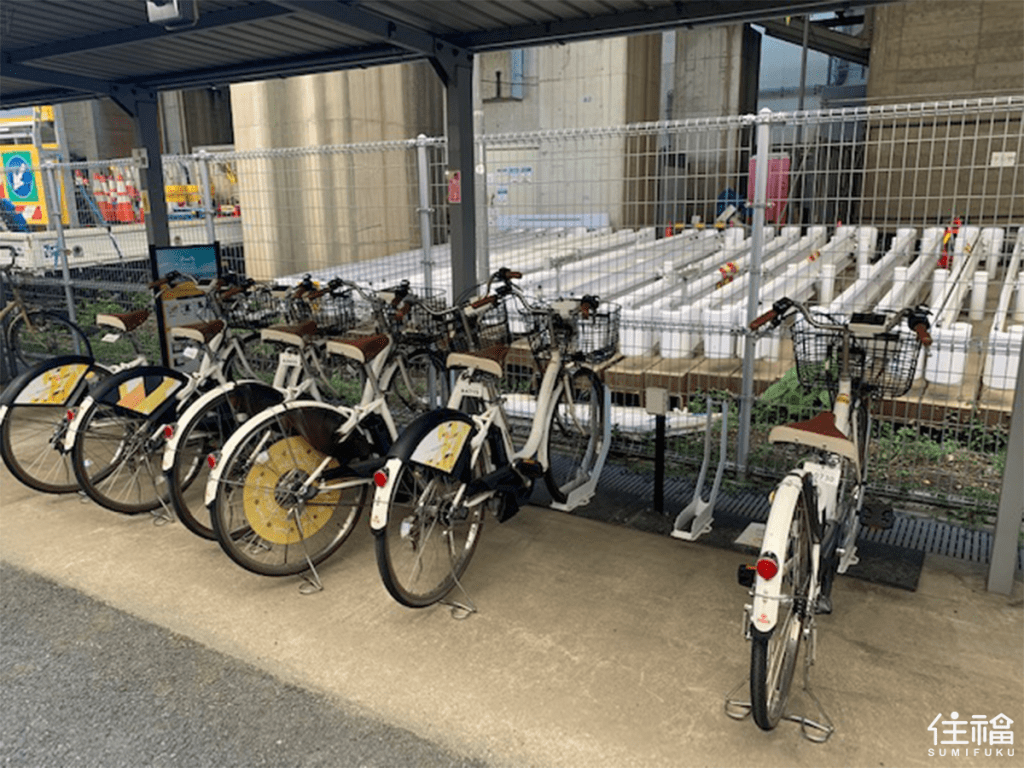
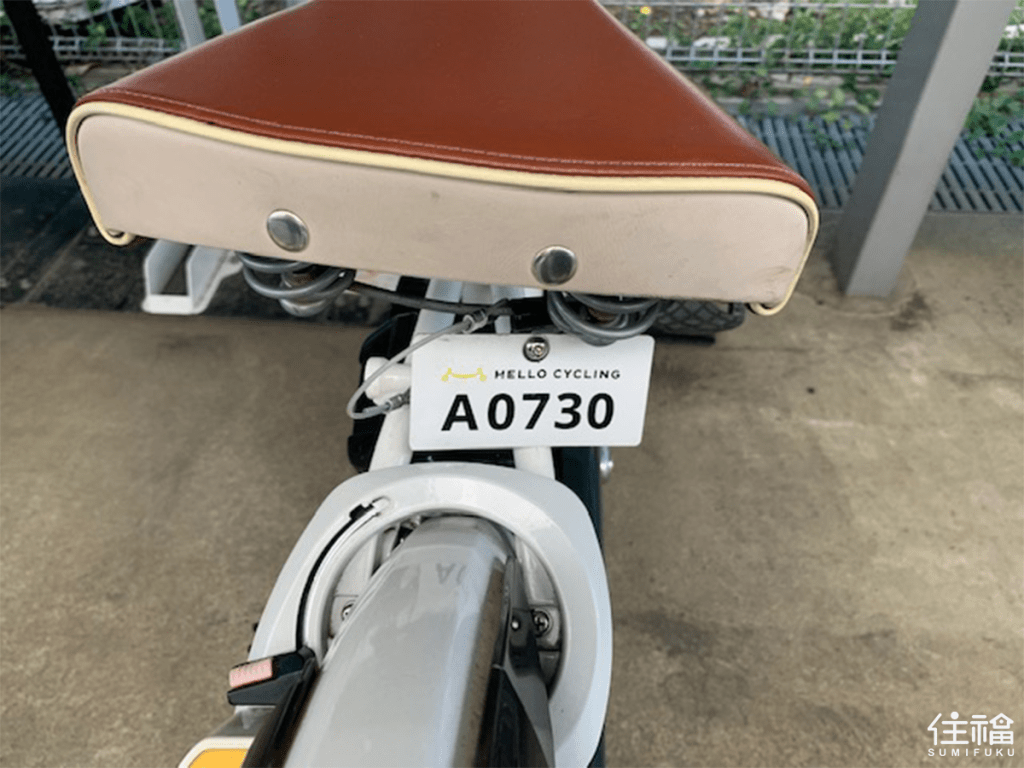
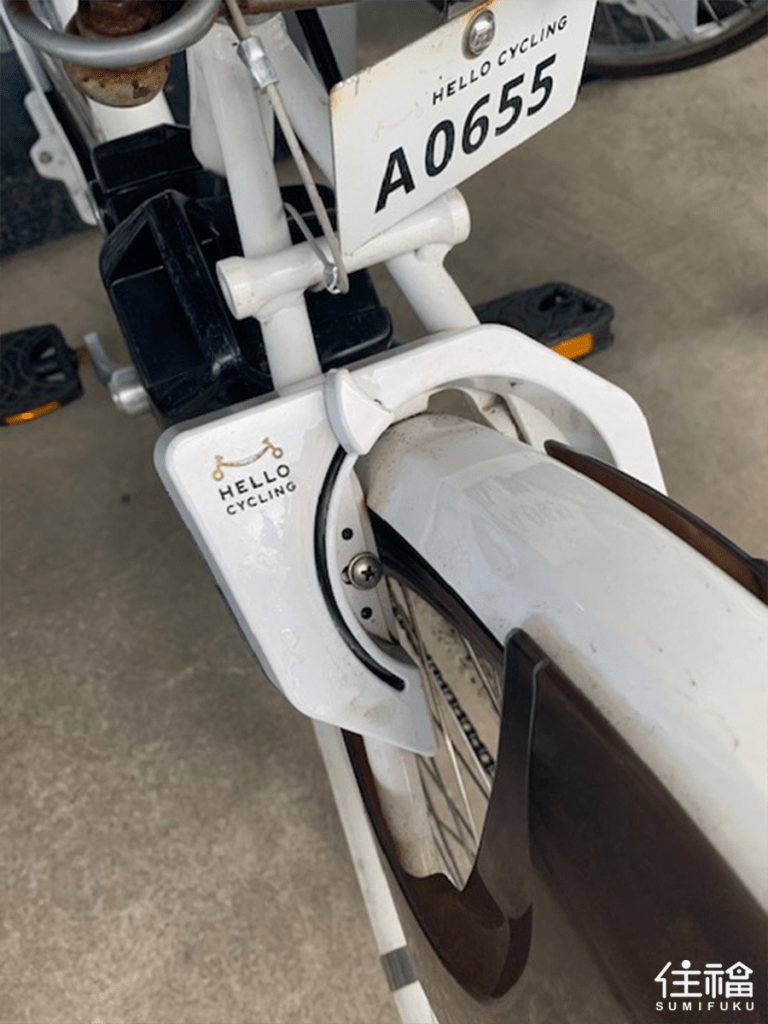
Each bike has a number on its rear. Open your app to verify the bike number and the password for your reservation.

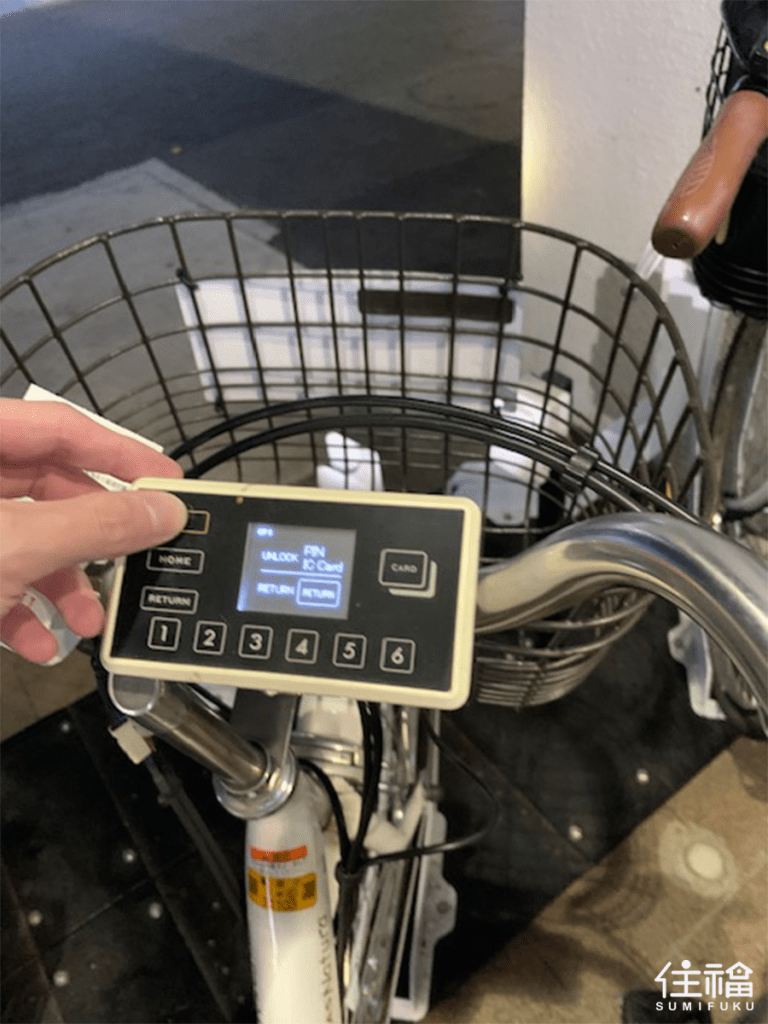
When you locate your bike, press the power button on the handlebar. You can select either Japanese or English for the interface. When the screen prompts ‘PIN or IC Card,’ enter the four-digit code (you can always find it on the app if needed). You’ll hear a clicking sound as the rear wheel unlocks, signaling that your bike is ready to use!

Adjust Motor Power, Headlights, and Check Battery Level

On the left handlebar, you’ll find a control panel for the electric motor, allowing you to adjust the motor power across three levels, control the headlights, and check the remaining battery level. If you prefer to get some exercise and not use the motor, the right handlebar has a gear shift with three levels to make uphill climbs easier!
Set Off Safely

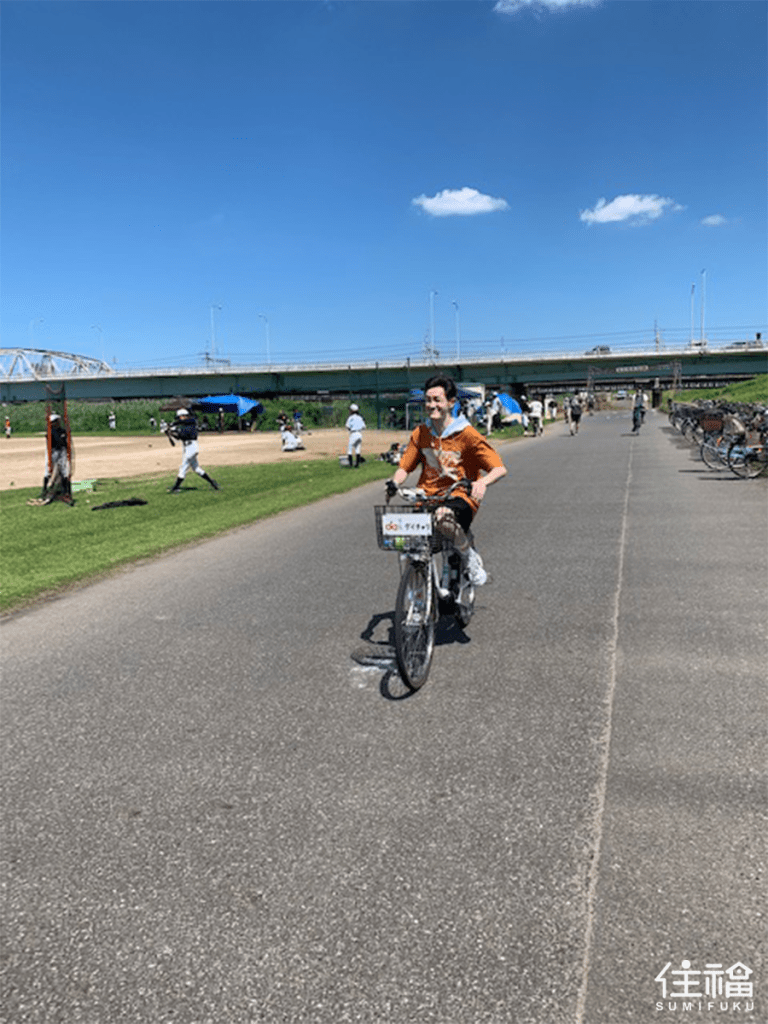
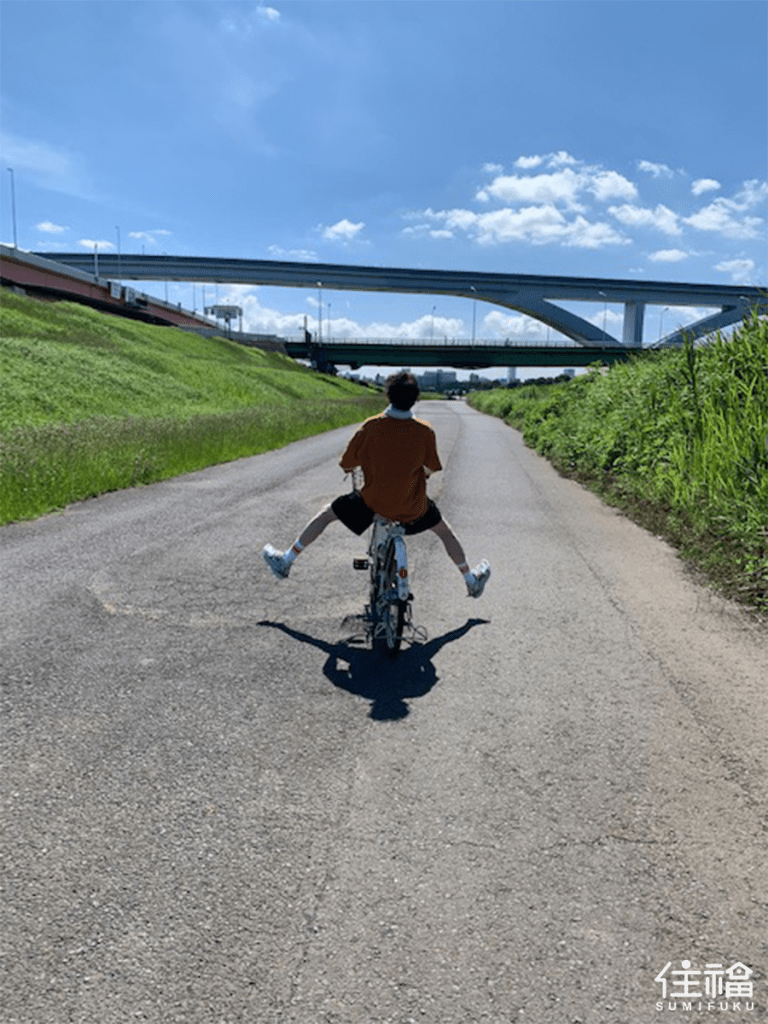
With everything set, if you’re using HELLO CYCLING for the first time, it’s a good idea to practice and get comfortable with the bike in an open area. The basic operations are similar to those of a standard bicycle. Just keep in mind that in Japan, traffic moves on the left side. Although bicycle regulations are less strict than those for motor vehicles, it’s important to be courteous and prioritize safety!

Recomended Cycling Spot in Tokyo

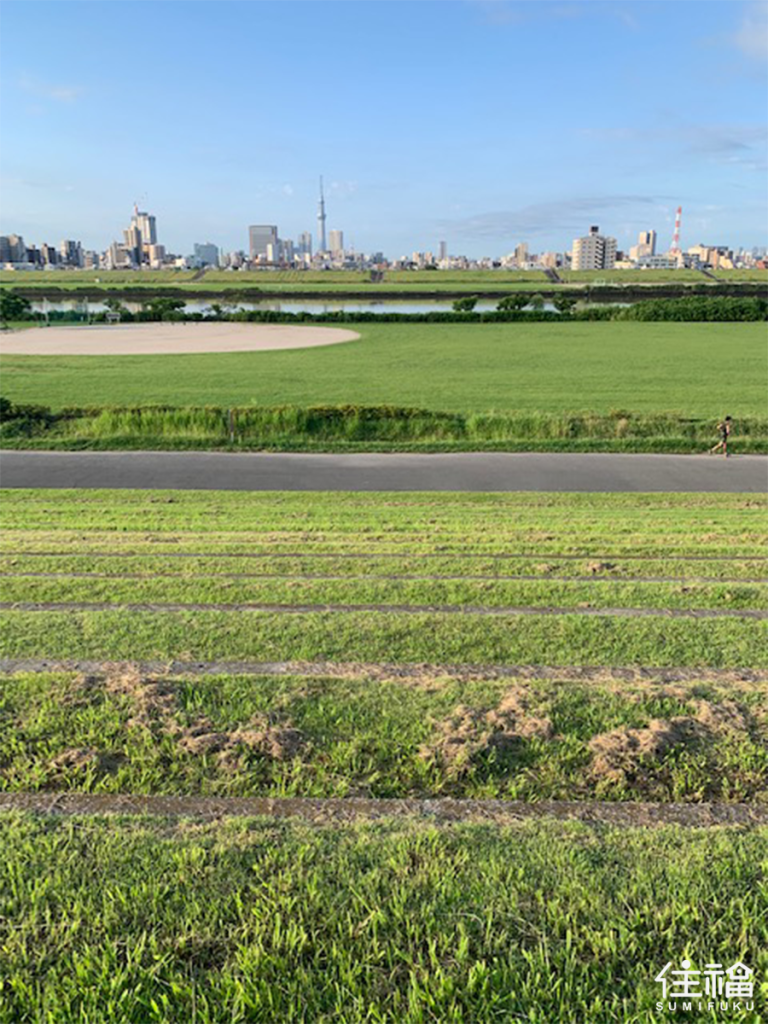
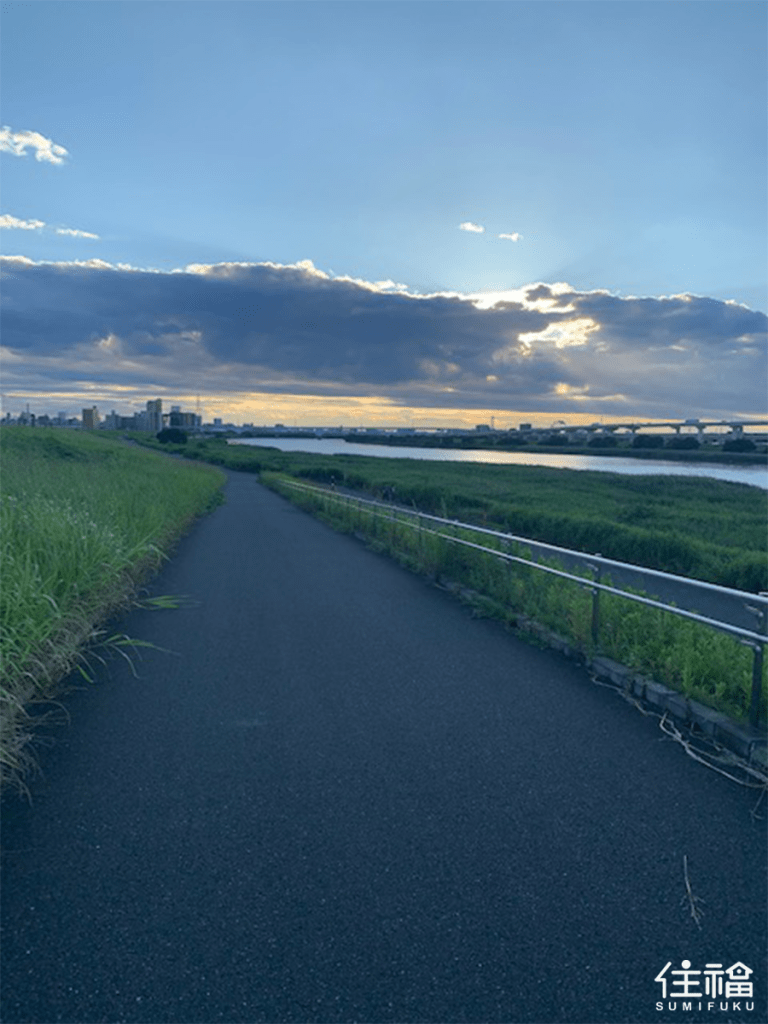
For an excellent biking spot, I highly recommend the Arakawa Riverbanks. This scenic route stretches from Saitama Prefecture all the way into Tokyo. Both sides of the river feature dedicated pathways for bicycles and runners, so you can enjoy your ride without the worry of sharing the road with cars.

Locking Your Bike for Short Stops

After unlocking the bike, if you need to make a brief stop or are preparing to return it to a service station, simply pull down the lock manually to secure the bike. When you’re ready to continue your ride, just enter the same code you used initially, and the bike will automatically unlock for you!

Manual sliding wheel lock (status: unlocked)
Status: Locked
Enter the code to unlock and get back on your way

Easy Bike Return

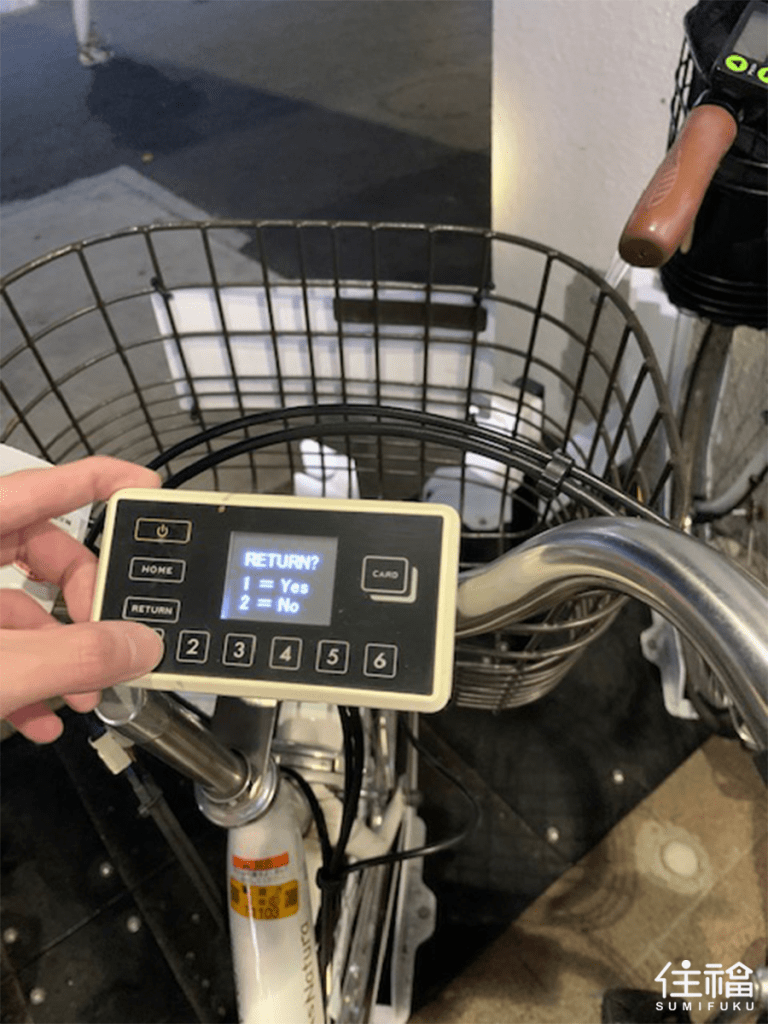
When returning the bike at a service station, first manually pull down the sliding lock to secure the bike. Next, turn off the power on the handlebar control panel and press the ‘RETURN’ button.

If the return is successful, you’ll receive an immediate notification of the rental charges on the app. Isn’t that convenient?

Rental Fees

Prices vary based on the type of bicycle you use, so be sure to check before you ride.

Tokyo Rates:

  • First 30 minutes: ¥130
  • After 30 minutes: ¥100 per additional 15 minutes
  • Within 12 hours: ¥1,800 flat rate

Other Areas:

Related Articles

サイトの言語をご選択下さい

Select Language